In a 2.5-minute video, find out how to update your billing info for your FASO account.
To watch in Full Screen, click the icon in the lower right of the video:

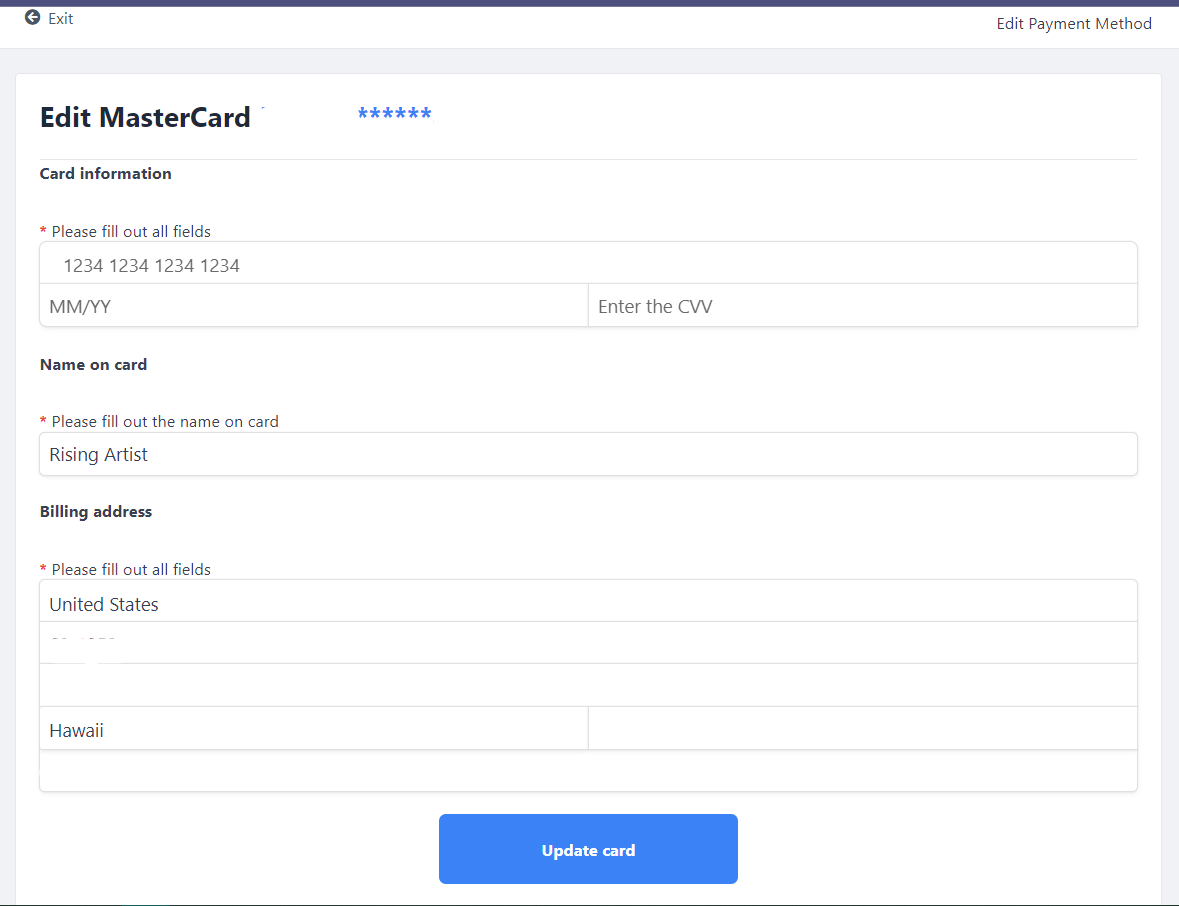
These screenshots may be helpful:
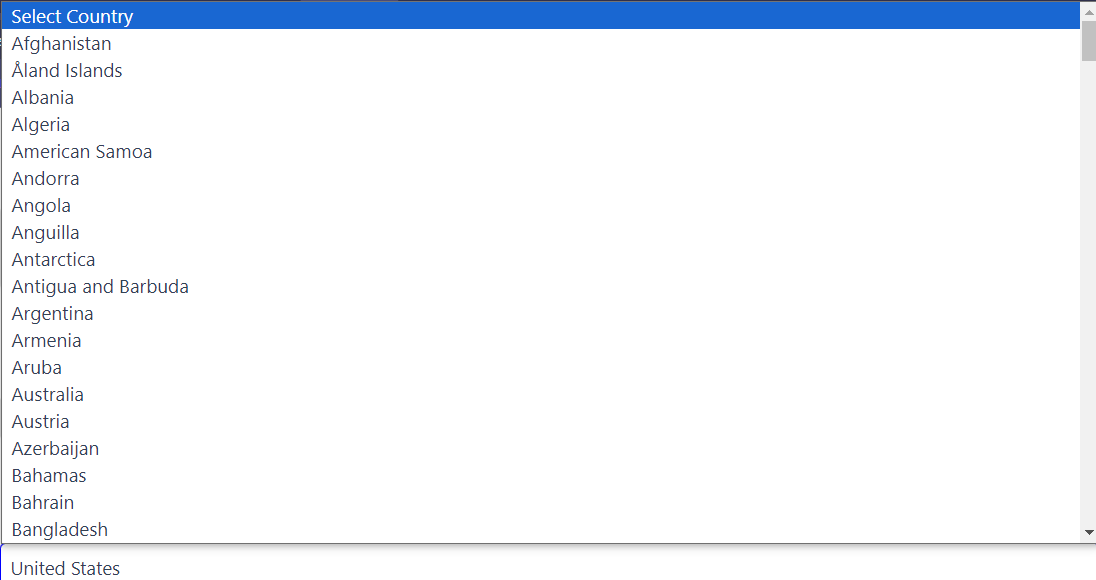
This is just a fraction of the countries to choose from for your address:
We accept credit and debit cards only.
Using a prepaid card? Then see:
Can I use a prepaid gift card or credit card for my FASO payment?
See more info in the FAQ here.
Apologies, we do not accept PayPal or checks for your FASO membership payment.
We appreciate your membership!

03042026 | 02252026 | 04112024 | 04162023 jyc